

Hardware · BRX servers
Your backup, in your office.
A BRX server is a small server for your office. It keeps your files, and a copy of them.
Why we recommend a BRX server
Here's how the server works, step by step. Scroll to follow.
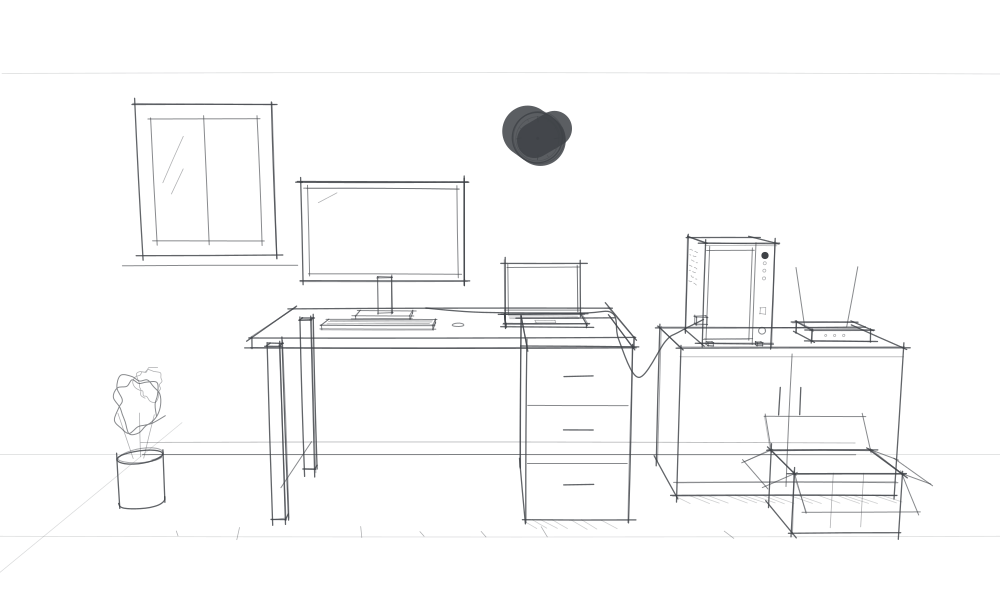
- 01
We install the server for you.
We set it up in your office and connect it to your computer. Then you add your files yourself.
- 02
A backup in your office.
A copy of your files sits on a device in your own office, separate from the cloud.
- 03
On its own, at set times.
The server backs up on a schedule, or straight away with every change.
- 04
Back in time.
Deleted or overwritten a file? You get an earlier version back.
- 05
After a ransomware attack.
If ransomware locks your computer, an earlier version is still on the server.
- 06
Even with no internet.
If the internet or the cloud goes down, you just open your files at the office.
- 07
Your data stays with you.
It's in your own office, not on another company's server.
On every device.
With the portal you can open your files on the go too, on Windows, macOS, Linux, Android and iOS.
Together on the same files.
Your team shares them across several computers and phones.
Our four servers
A compact, powerful server to streamline how you manage your data.
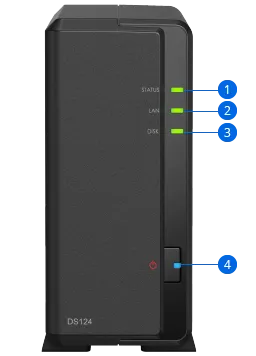
BRX N9000
- Processor
- Realtek RTD1619B
- Memory
- 1 GB DDR4 non-ECC
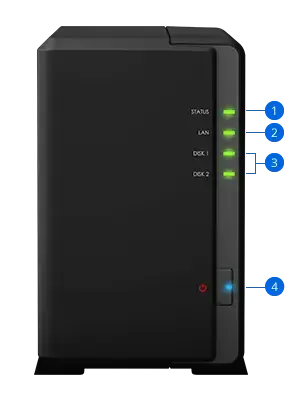
BRX N9001
- Processor
- Realtek RTD1296
- Memory
- 1 GB DDR4 non-ECC
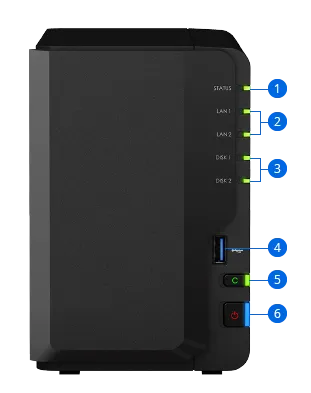
BRX N9003
- Processor
- Intel Celeron J4125
- Memory
- 2 GB DDR4 non-ECC
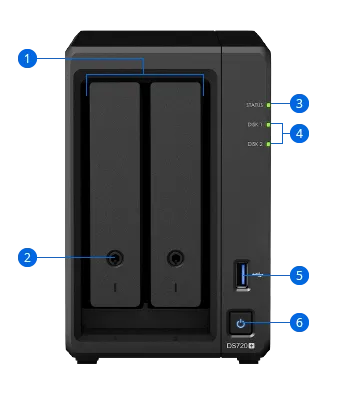
BRX N9502
- Processor
- Intel Celeron J4125
- Memory
- 2 GB DDR4 non-ECC